> ## Documentation Index
> Fetch the complete documentation index at: https://otterflow.mintlify.site/llms.txt
> Use this file to discover all available pages before exploring further.
# 07 LaTeX 与 Otterleaf
1. 在“设置 → 能力管理”开启 LaTeX,等待“已就绪”。
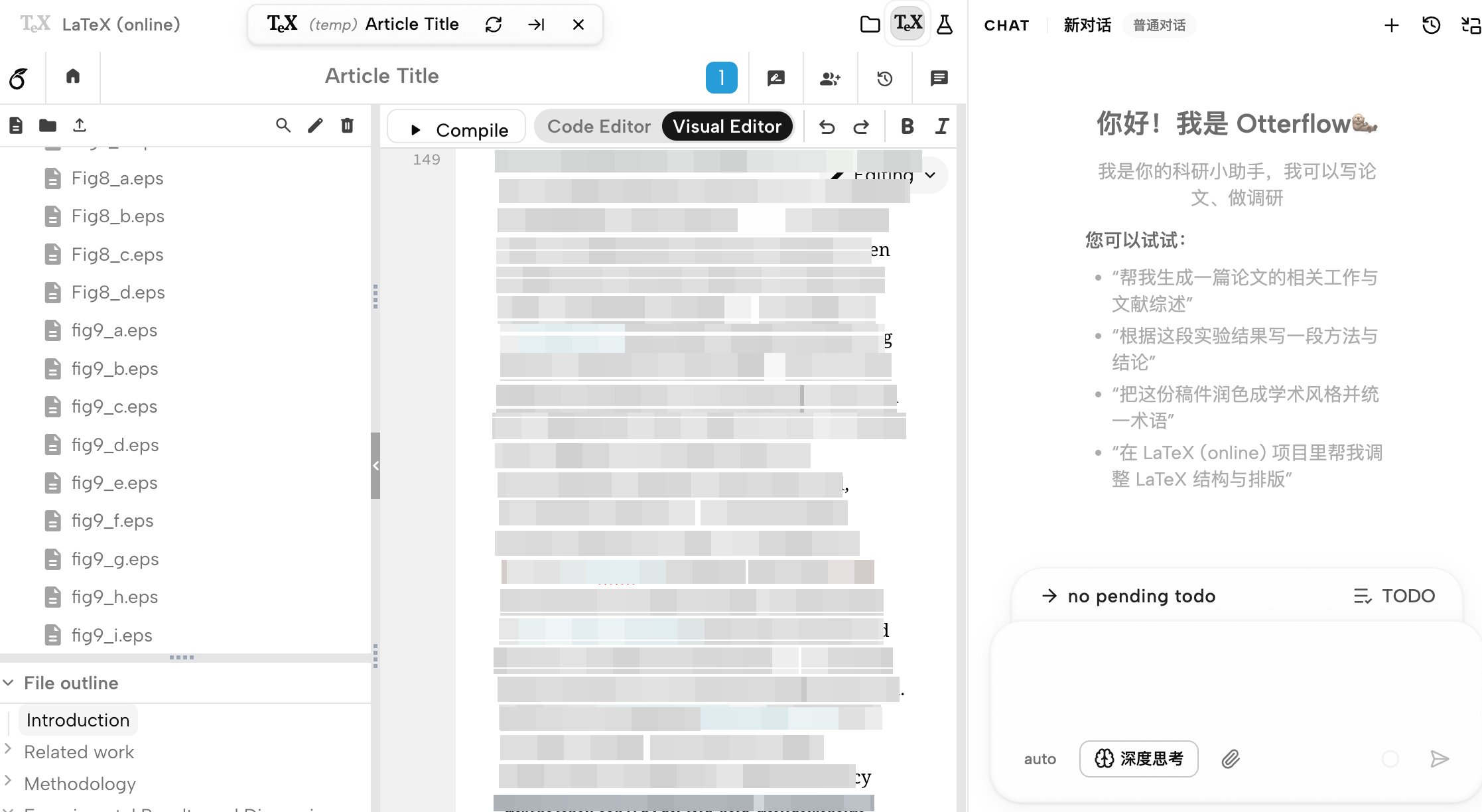
2. 在工作区打开 LaTeX (online)/Otterleaf 项目;未就绪时会提示先安装能力。
3. 通过标签进入在线 LaTeX 编辑器,使用文件树、代码编辑区和 Compile 操作。
4. 编辑源码、触发本地编译,查看 PDF 和编译日志;失败时预览区会呈现编译错误。
5. 成功生成同步数据后,可使用 SyncTeX 相关源码—PDF 定位和视图位置记忆。
AI 工具链可读写相关文件和触发编译,但最终结果应以真实文件、日志和 PDF 为准。右侧聊天可在写作过程中切换模型并提供辅助。